01Overview
CLI-Reader is a terminal-based manga reader written in Python. No
browser, no tabs: browse series, pick chapters and read pages from the
command line you already live in — launchable with
python run_app.py, with a desktop entry for Rofi users.
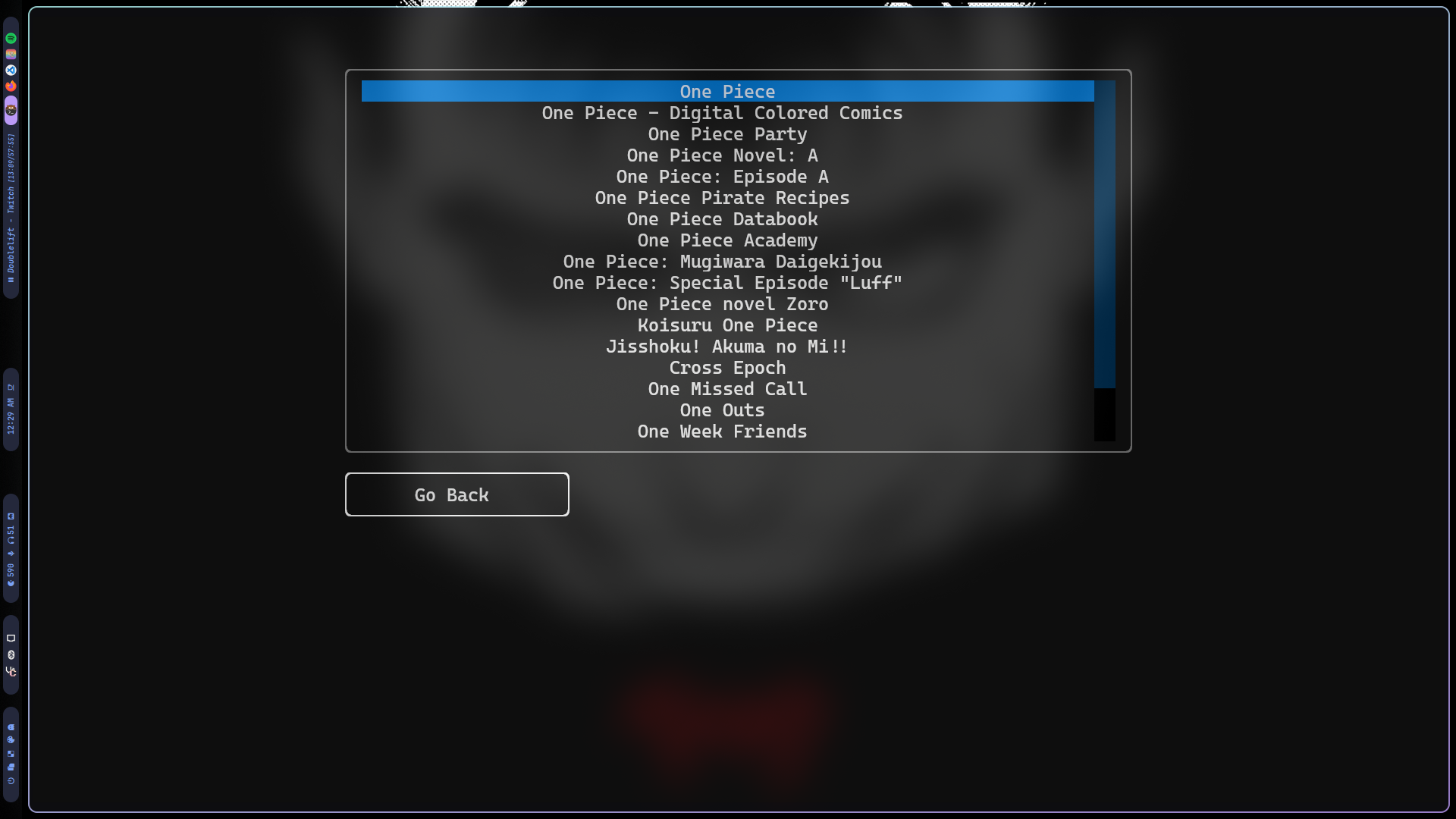
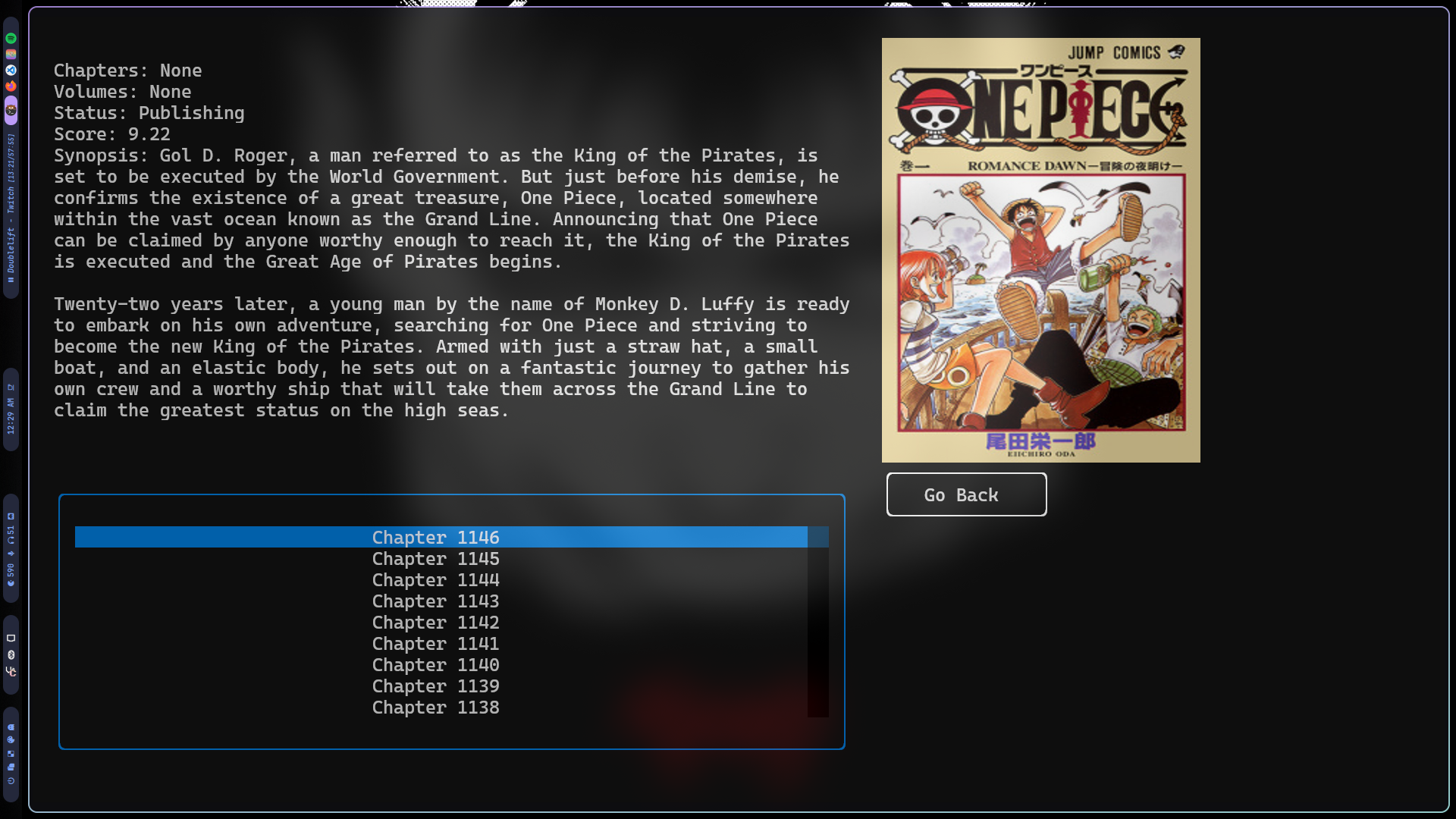
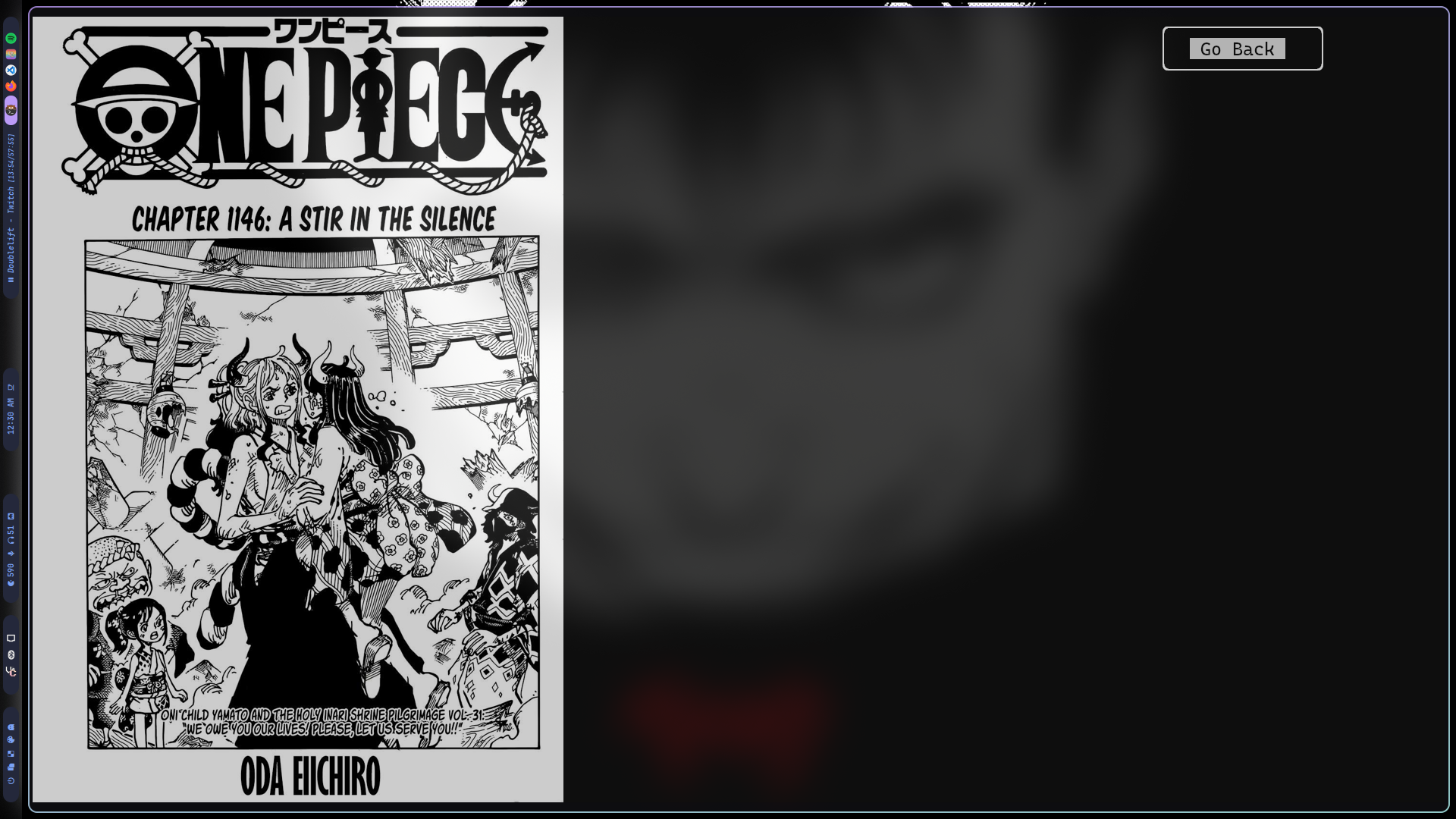
The interface is built with Textual for a rich TUI: a start menu, search, manga preview and reading views. Metadata — titles, authors, summaries — comes from the Jikan API, while chapters and pages are scraped from MangaPill (via BeautifulSoup and cloudscraper, fetched asynchronously with aiohttp). A dedicated downloader module handles the images.
02Architecture
03Walkthrough
04Stack
| Language | Python, launched via run_app.py (+ a Rofi desktop entry) |
|---|---|
| Interface | Textual TUI with rich text, Pygments highlighting and inline images (textual-image, Pillow) |
| Metadata | Jikan API for titles, authors and summaries |
| Content | MangaPill scraping with BeautifulSoup; Cloudflare-aware fetching via cloudscraper; async downloads with aiohttp + aiofiles |
| Details | Natural chapter sorting (natsort); 17 modules across provider, downloader, controllers, TUI and utils |
05Under the hood
- Two sessions, two personalities. The provider keeps one
requestssession impersonating Chrome for the Jikan API and another impersonating Firefox — complete with Origin/Referer headers — for MangaPill scraping. - Cloudflare-aware downloading. Image fetches go through cloudscraper with a full browser header set, then stream to disk asynchronously with aiohttp and aiofiles.
- Screen-per-menu TUI. Textual screens are split per concern — start, search, preview, reading — each in its own module, with controllers and downloaders kept out of the UI layer.
06Roadmap
- Download-all for offline reading.
- Zoom and pan around pages.
- Reading lists: currently reading, to-read, dropped.
- Pluggable manga sources beyond MangaPill.