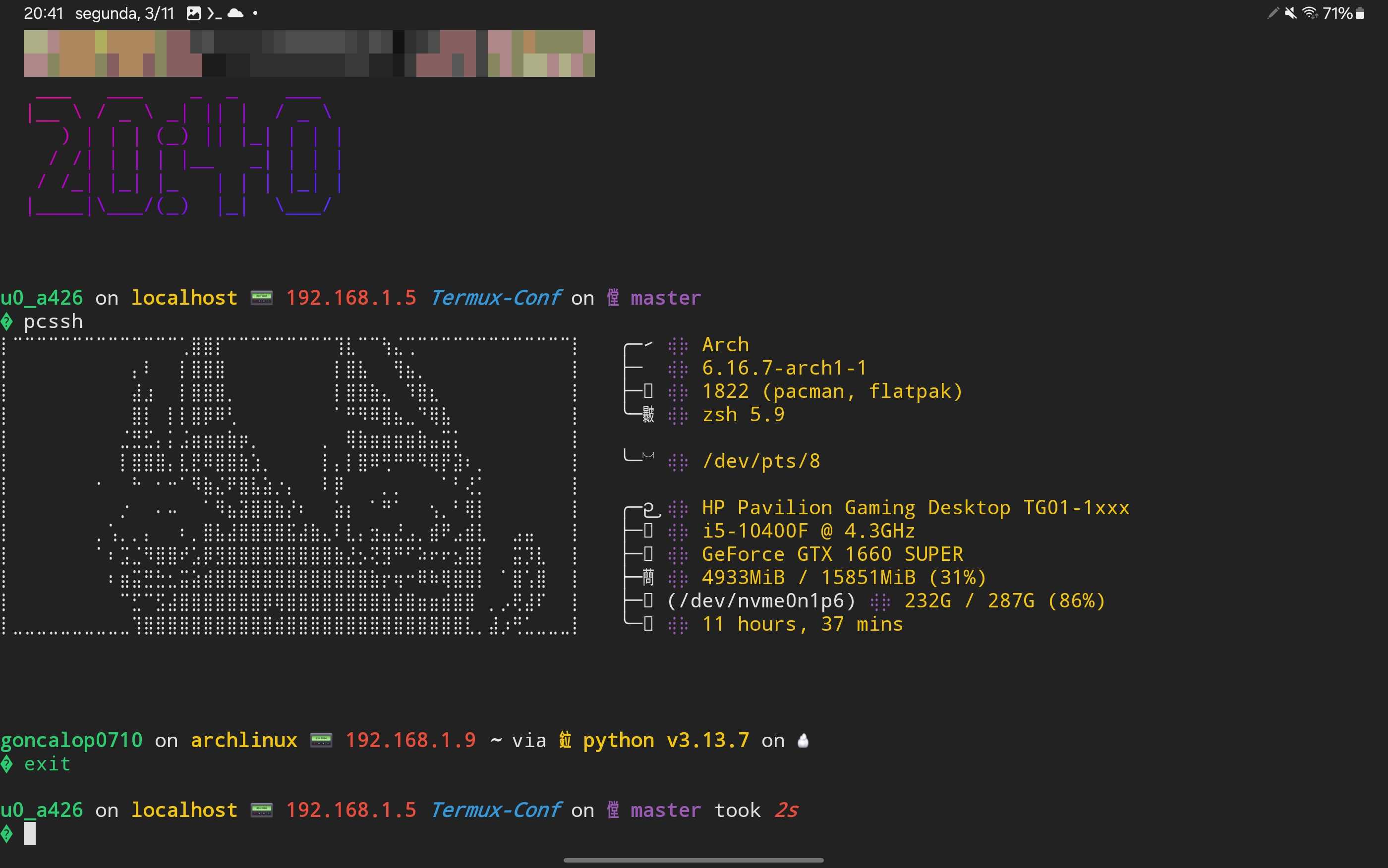
01The itch
My phone is the computer I always have with me, so sooner or later the question asked itself: how good can a terminal on Android actually get? Termux gives you a real Linux userland — packages, SSH, git — but out of the box it's a bare prompt on a black screen. Functional, joyless, and one reset away from losing everything.
Termux-Conf is my answer: a forked-and-extended setup that turns stock Termux into a personalized development environment with one interactive menu. Custom branding at startup, a grown-up shell, an IDE-grade editor — and backups, because dotfiles you can't restore are just decoration.
02One menu to run it
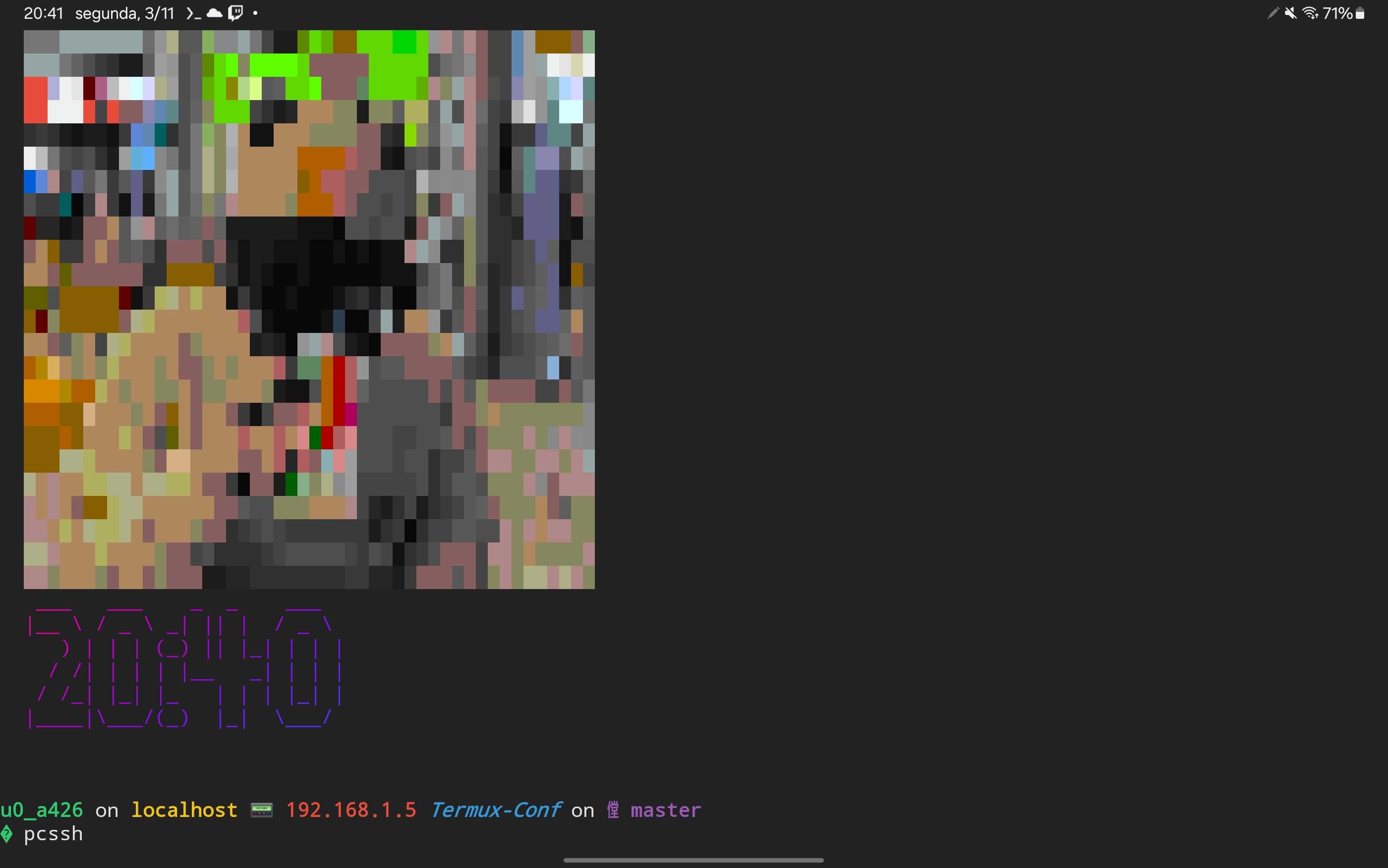
Everything starts with theader. The main menu walks
through package installation, shell setup and Git/SSH configuration;
sub-menus handle Oh-My-Zsh plugins, terminal properties and the header
itself. Day to day it's even shorter:
| theader | Main configuration menu |
|---|---|
| clogo | Swap the terminal logo (drop ASCII art in the logo folder) |
| ctitle | Set a custom header title |
| ctpro | Switch terminal properties and themes |
| cztheme | Change the ZSH theme |
Install is three lines — clone, bash setup.sh, follow
the menu — and the script backs up your existing configs before
touching anything.
03Under the hood
- Neovim as an IDE. Lazy.nvim plugin management, LSP servers for TypeScript, Lua, Bash, CSS and more, completion, file navigation, Git integration, and themes worth staring at.
- ZSH + Oh-My-Zsh. Plugin management through the menu, modern aliased commands, smarter history with search, and tab completion that actually completes.
- Starship prompt. Git status, branch and language versions in a prompt fast enough to forget it's there.
- Git SSH, streamlined. Key generation and GitHub/GitLab setup from the menu instead of from memory.
- Dotfiles included. Neovim, neofetch, Starship and shell configs ship in the repo, versioned and ready to diff.