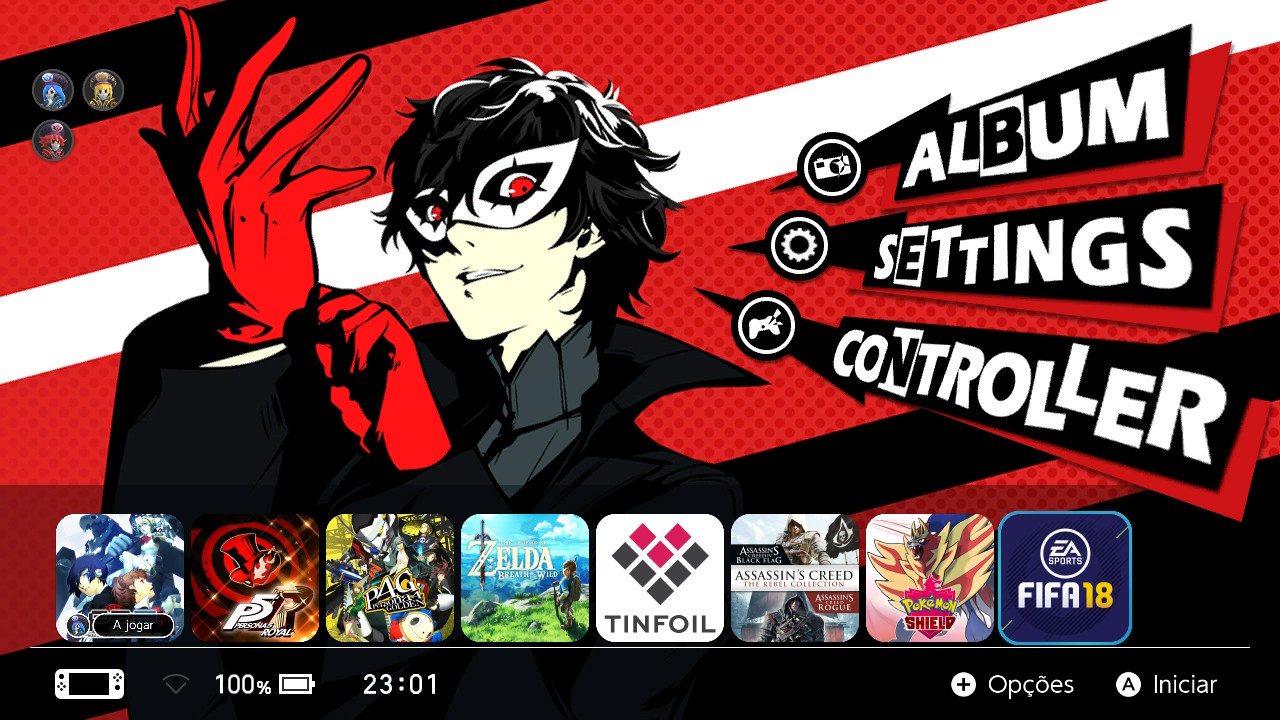
01The itch
Every console is two machines: the one the manufacturer sold you, and the one hiding underneath it. The Switch in particular is a lovely little computer — Nvidia Tegra, touchscreen, dockable — locked behind a software front door. I wanted the second machine: homebrew apps, emulators, custom themes, full control over hardware I own.
Newer Switch models patched the old software-only exploits, so the way in is hardware: a modchip that glitches the boot process and hands control to custom firmware. That means opening the console, working at motherboard scale, and documenting every step — because a guide nobody can follow is just a diary.
02Opening it up
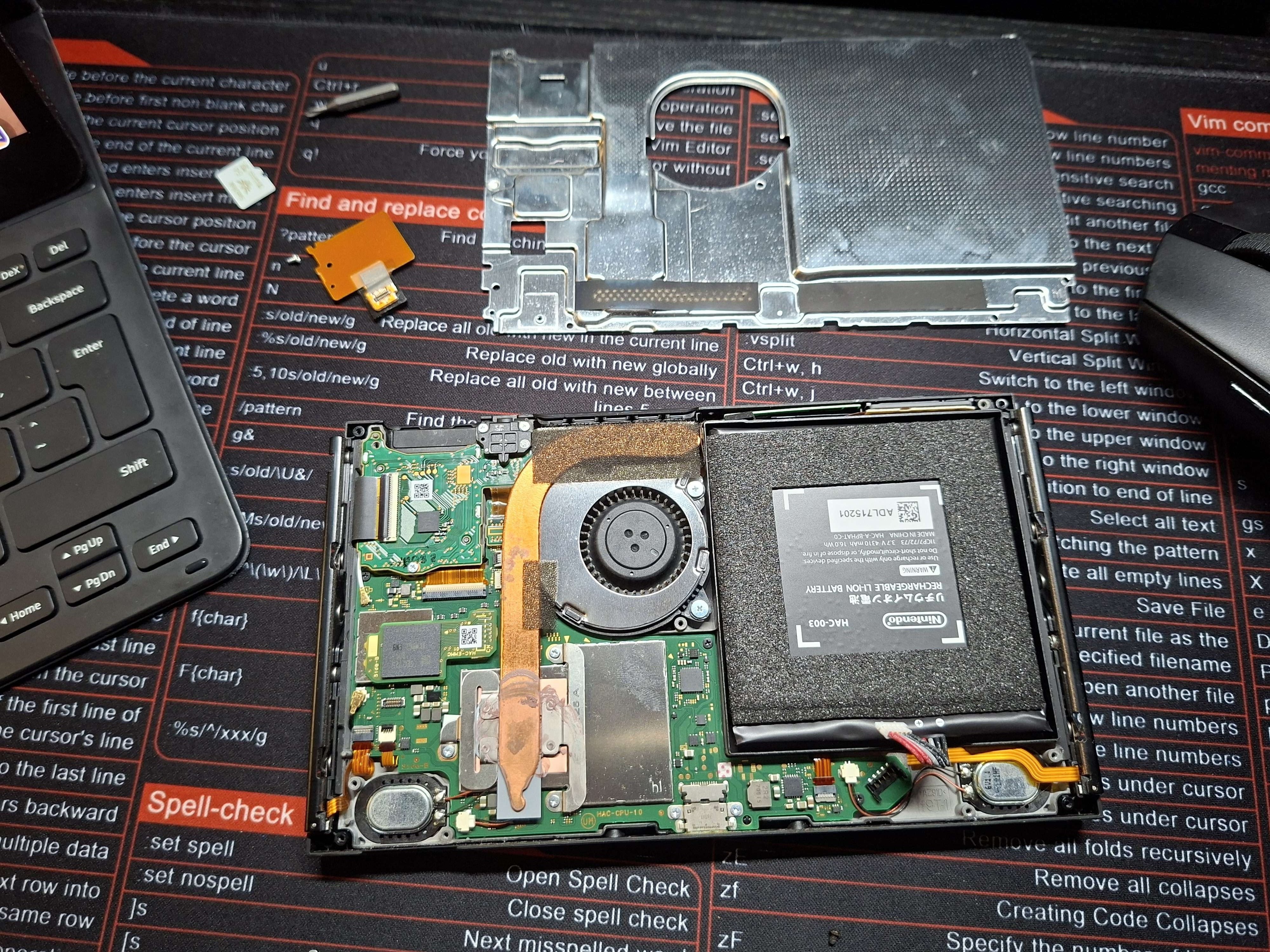
This is the part no tutorial quite prepares you for: the back cover off, the shielding plate lifted, and suddenly you're staring at the whole machine — battery, heat pipe, fan, and a motherboard dense with flex cables thinner than patience. The modchip itself is a tiny board on an orange flex cable that has to sit exactly right; one misaligned connector and the console is a paperweight until you fix it.
My advice, learned the slow way: good lighting, the right screwdrivers, photos of every layer before you lift it, and never force a ribbon cable. The mat underneath in the photo is a soldering guide for a reason — this is bracketed by flux and a steady hand.
03The software side
With the chip in, the rest is logistics. The setup side bundles the payload chain and walks through it:
- Hekate + Nyx. The bootloader and its touchscreen environment — NAND backup first, everything else second. A full NAND backup is the difference between a recoverable mistake and a dead console.
- TegraRcmGUI. Pushes payloads to the Switch in RCM mode over USB-C from a PC.
- JustInsertTheStuff. The SD-card contents — custom firmware, homebrew menu, installers — in one drop.
- The guide itself. Compatibility checks, SD preparation, and pointers to switch.hacks.guide for the canonical walkthrough.
Prerequisites are honest hardware ones: a compatible console, a 32 GB+ microSD, a USB-C cable, and a PC with admin access.
04The payoff
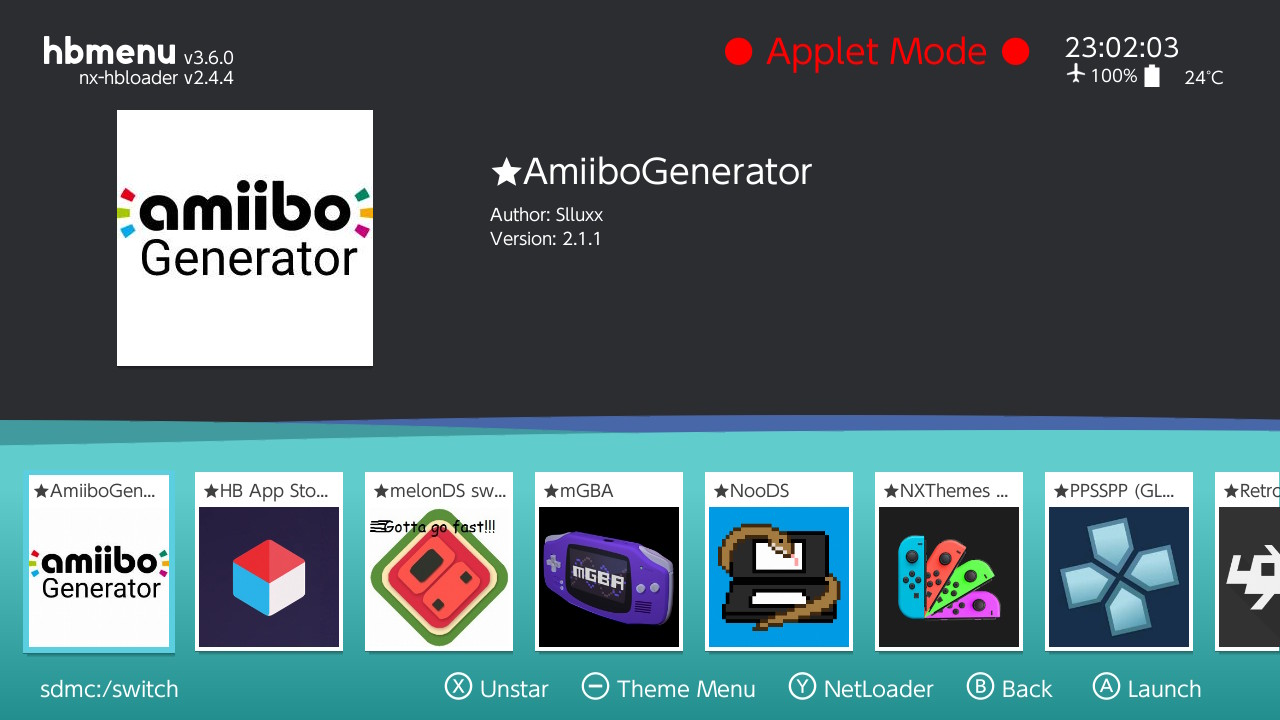
And there it is: the same home screen, now themed, with an app shelf full of emulators and homebrew. The console still plays everything it used to — it just stopped pretending to be only one machine.
| Entry | Modchip install + custom firmware (Hekate, Atmosphere-family stack) |
|---|---|
| Needs | Compatible Switch, 32 GB+ microSD, USB-C cable, PC with admin access |
| Rule one | Full NAND backup before anything else |
| Caveat | Educational purposes — jailbreaking can void your warranty and carries ban/security risks |